A physical computing project that prints a receipt for a lonely library book at the press of a button.
Go on, press it.
Dept. of Forgotten Books
Type
Self-initiated · Physical computing
Context
Summer internship at Yay Brigade
Built with
Raspberry Pi and some good ol’ coding
Status
Second prototype in progress
The problem
Libraries are built for wandering, but most visitors don’t wander anymore.
Most visitors to the Los Angeles Central Library come in knowing exactly what they want. They search a title on a screen, find it, and leave.
“The act of wandering, of stumbling into something you weren’t looking for, is so beautiful.”
The concept
An invitation to get a little lost.
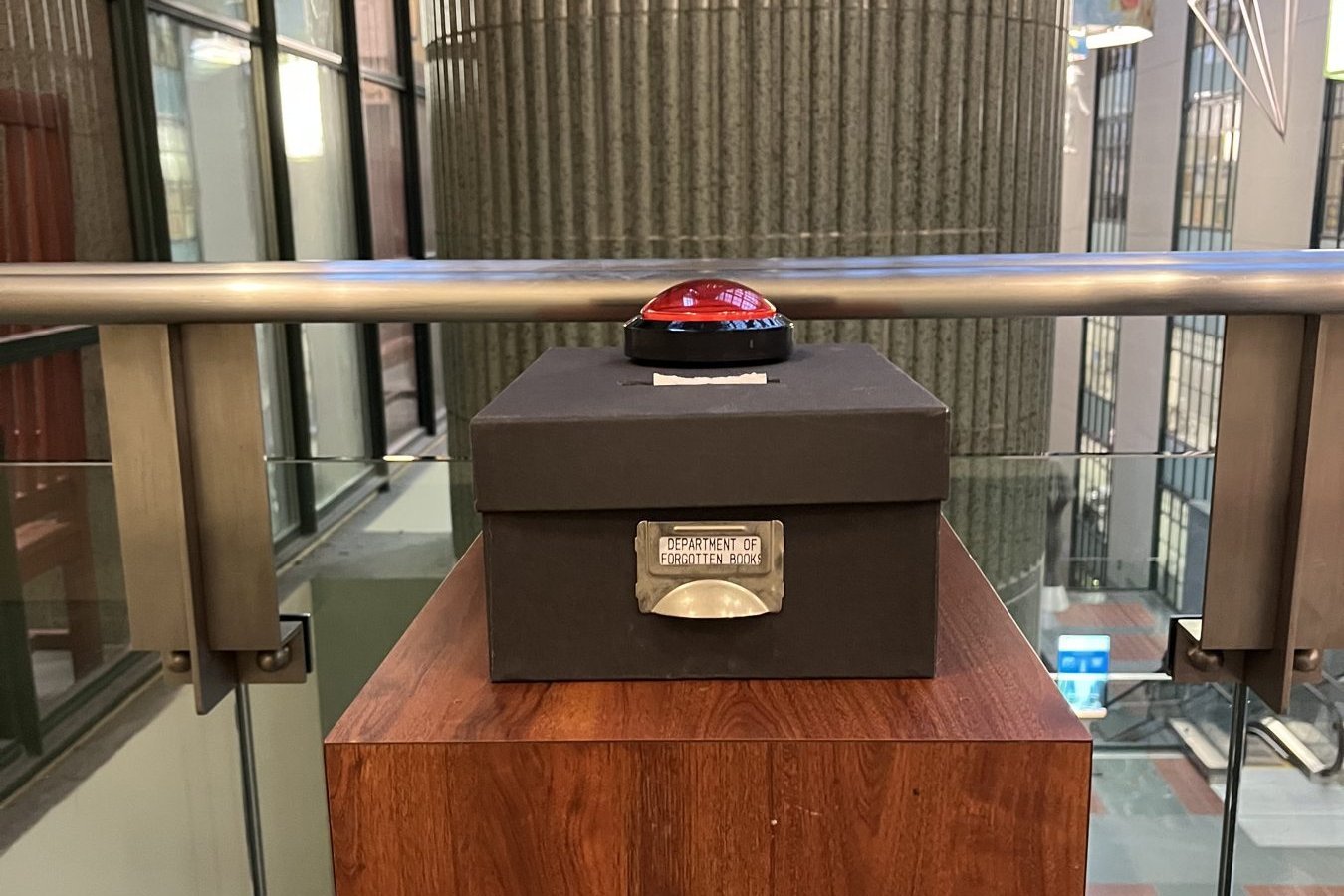
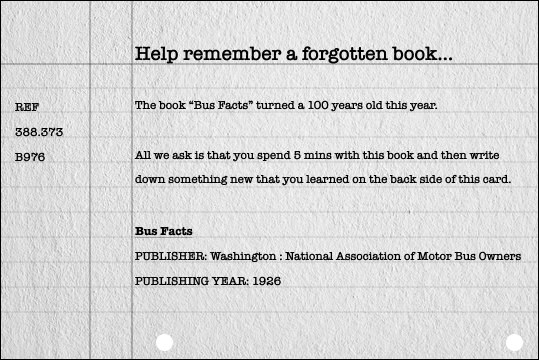
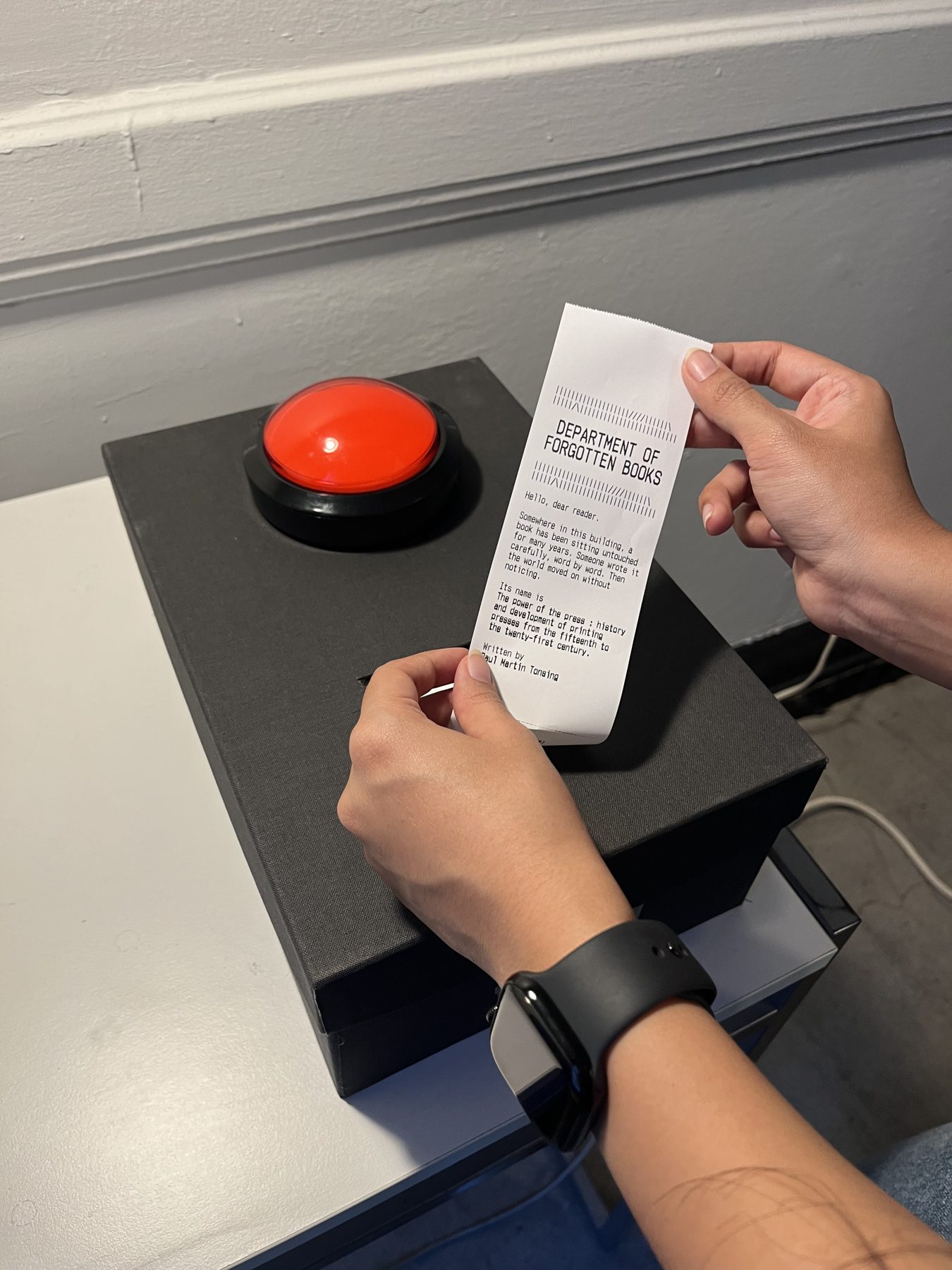
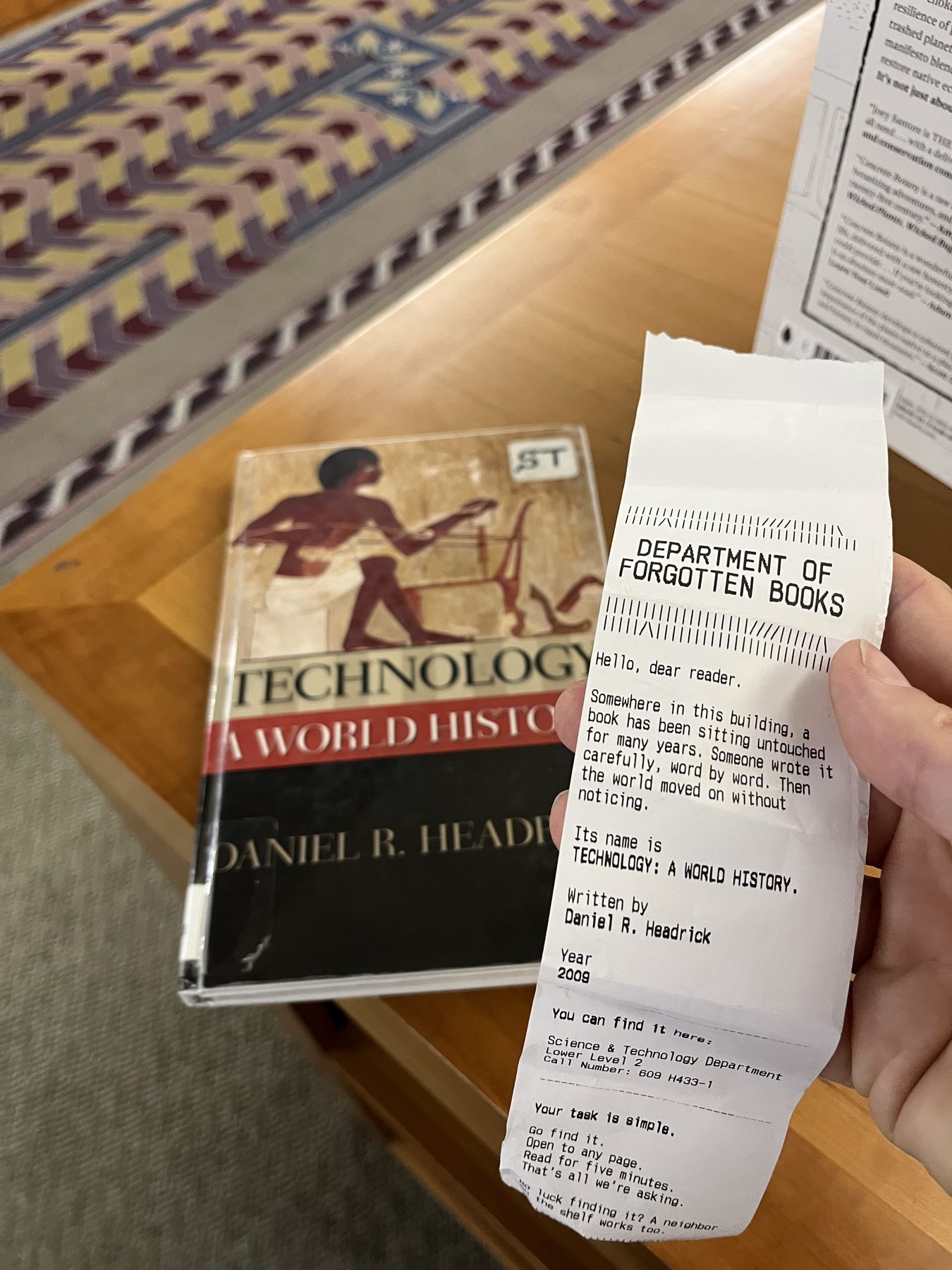
A physical installation that lives inside the library. Press the button and a slip of paper prints, pointing you to a forgotten book sitting on a shelf in the building right now. It gives you the call number and the floor, asks you to spend five minutes with the book, and leaves you with a thought to ponder.
A box.A button.A piece of paper.
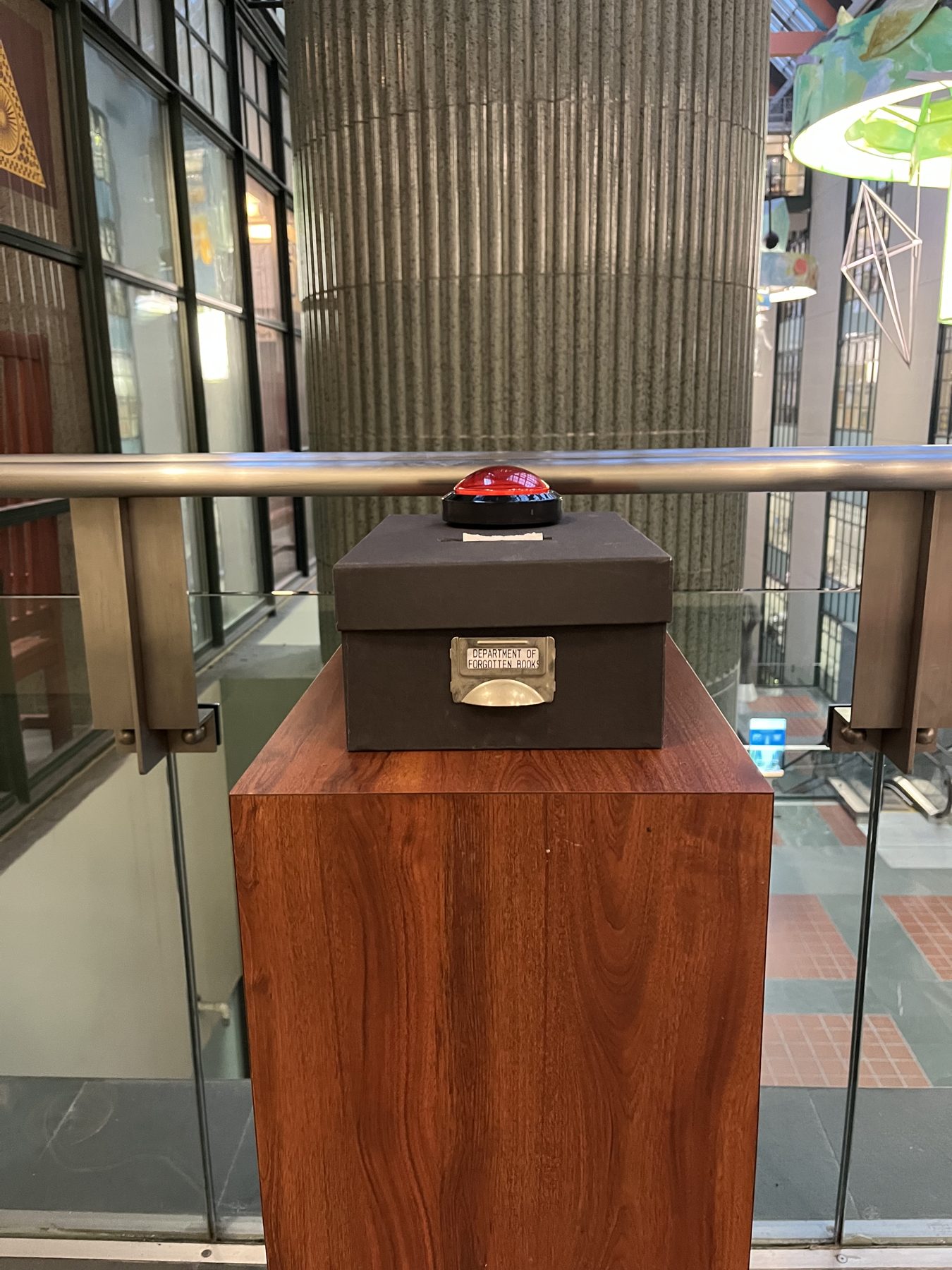
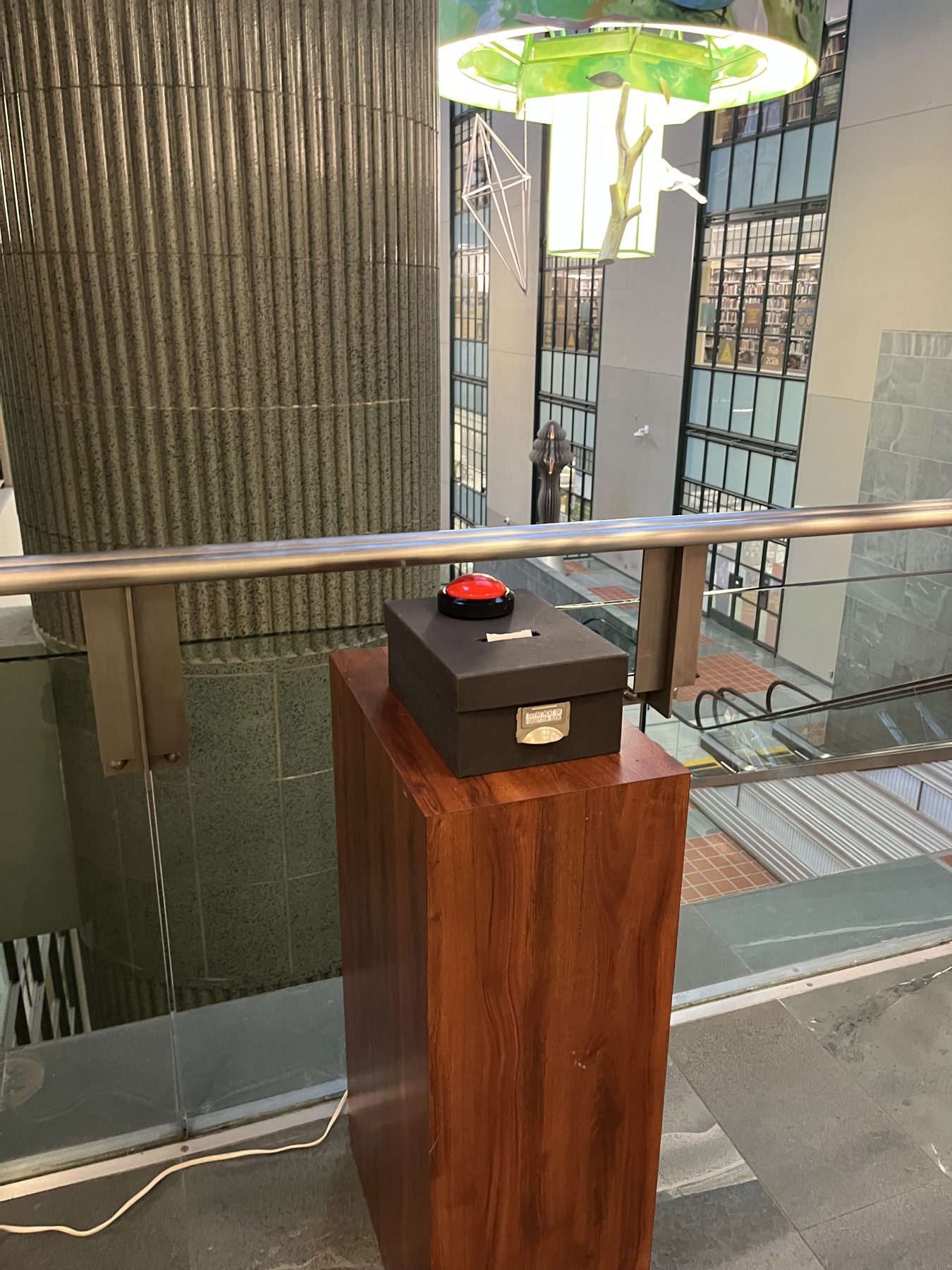
The box, on its pedestal at the LA Central Library.
What it promotes
01
Exploring the library’s physical space
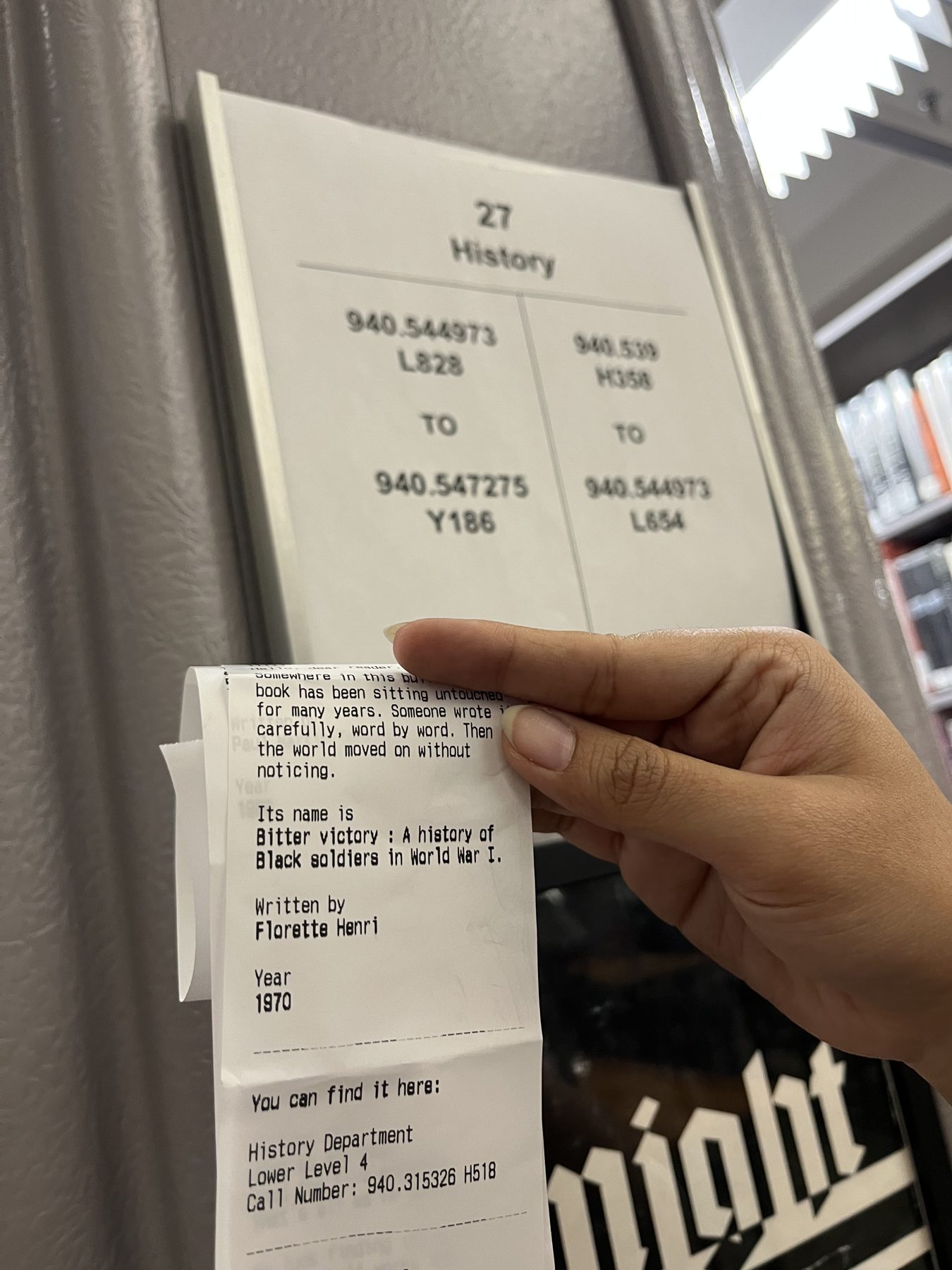
For the first time, a visitor might walk to Floor 2. Or Lower Level 2. Or a department they’ve walked past a hundred times. The slip doesn’t just point to a book, it points to a part of the building. That walk is the experience; the book at the end of it is the reward.
02
Checking out something new
I believe you should learn something new every day, and this is a small nudge to do exactly that. Not to tell people what to read, just to put a book in someone’s hands that would otherwise sit untouched until it’s removed from the collection entirely.
Designing the receipt
One slip of paper has to do all the talking.
There’s no screen and no one to explain it, so the receipt is the whole interface.
Starting point
Inspired by library catalogue cards: the call number on the left, the book’s story on the right.
Five explorations, sized for a thermal printer hidden inside the box
Drag them around · Click one to read it
Key decisions
Decision 01
The printer can print images. We chose not to.
Every line, border and flourish on the receipt is made from text characters.
We chose
Only ASCII characters
Instead of
Printed images and illustrations
Because
It keeps the receipt honest to its analog roots: type and text characters, like a library slip.
Decision 02
Leave them with a thought, not a blank space.
We planned to end the receipt with room to write. Testing told us otherwise.
We chose
A closing thought to ponder
Instead of
Empty space to write your thoughts
Because
In a user test, people didn’t really want to write anything. A thought goes with them; a blank space just stays blank.
Decision 03
A call number isn’t enough. Tell them the floor.
It’s a quest, not a maze. People should be able to find the book on their own.
We chose
The call number, plus the floor it’s on
Instead of
The call number alone
Because
The library has so many floors that a call number on its own left people lost, and unsure which section to look in without asking a librarian.
How it works
Screenless by design, not by limitation.
The form is deliberately minimal: an enclosure roughly the size of a shoebox, with a single button on top and a slot where the paper comes out. It’s analog in feeling, even if not entirely in construction.
01
The button
One big red button on top. Pressing it is the only thing you need to do.
02
The Raspberry Pi
Detects the press and runs a print script that picks a book at random from our curated list of lonely books.
03
The printer
A thermal printer hidden inside the box prints the receipt and feeds it out of the slot.
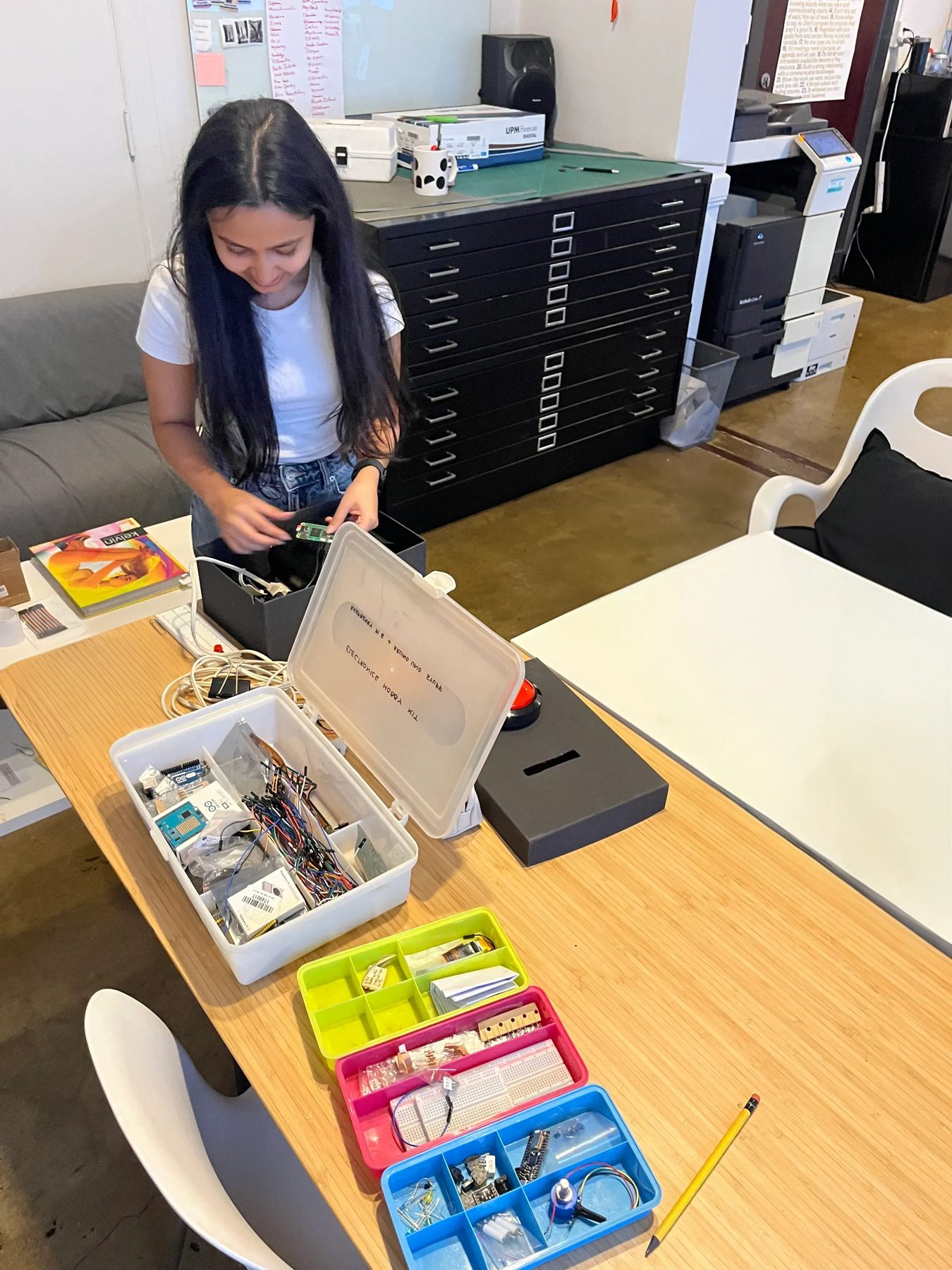
Putting the first prototype together.
No screenNo soundShoebox-sizedOne power outletNo Wi-Fi once the list is loaded
The test run
We took it to the LA Central Library.
01You spot it in the library: a big red button. Go on, press it.
02A receipt prints, bearing the name of a book the library forgot.
03Now the quest begins. Follow the call number. You won’t be wandering blind: the receipt also tells you the department and the floor.
04With luck, the book is right where it should be. Spend some time with it, and if it wins you over, check it out.
What’s next
This is just our first prototype.
Our goal is to bring it to the Los Angeles Central Library, and to college libraries like the ArtCenter Library. Next, we want to define its physical form further and make the experience richer, both visually and for the other senses.
Go find it. Read the first page. That’s all we’re asking.